UX: Accessibility

Accessibility

Ever had a difficult time using a site for some odd reason? Did you get it figured out by getting on support? If you did that’s great! Now, what if you weren’t so able to call for support because you weren’t able to use the site the way you wanted to. For some people, it’s not so easy for them to do the same things we do every day. When we’re looking up information we just click a few buttons and find the answer. For some, it’s not as easy as clicking a few buttons to get to our destination. So instead we need to accommodate those peoples to better help them get to their destination.

A great way can do that is by making it easier to use websites and applications. Not just being able to access the information but the ability to aid someone into getting there. So what we need to do as designers, coders, and any content creator is to enable users of different abilities to be able to use our site the same way someone without those disabilities would too. So when making our website, one great thing to keep in mind not everyone might be able to see simple text. So we need to add a speech reader. so people who may not be able to read so well or see can have the speech read to them. Another addition would be, adding high contrast which makes the site’s colors easier to see for people with eyesight problems. If you go to Dunkin Donuts you can see they have a button for this. Another great option to add in is buttons. this seems like a common thing but some sites and apps don’t really use much since everyone grew up phones and knows a touch screen works. This isn’t the case for older people. They may have a problem navigating somewhere so better to put clear and easy to buttons on places they would be useful. For example a list of items that they use a button/scrollbar to move up and down on the page. Another great example would be, voice commands. Kinda like Siri, So if someone who can’t physically move their hand or such, can talk and tell where the cursor should click or go. There are numerous ways of helping aid people who are not so able to do the things we find normal. It’s best to accomplish those tasks to help people out and make their lives a bit user friendly in a different way.


If you want to try the speech reader, all you have to do is highlight text, left click and go to speech to have this article read to you.
Design Thinking

What is Design Thinking?

Design Thinking is a process to understand and redefine issues in order to design better products. It helps provide solutions in order to solve the problem we may have in a product. A lot of companies use this process to better enhance their products. Design thinking uses logic and understanding in order to create amazing products we can use every day. After Testing you still need to maintain it and continue enhancing it and meeting all the expectations. Even Though it works doesn’t mean it can’t be enhanced! Let’s break down the process so we can get a greater understanding of each. The process looks like this:

  • Empathize – with your users
  • Define – your users’ needs, their problems, and your insights
  • Ideate – by challenging assumptions and creating ideas for innovative solutions
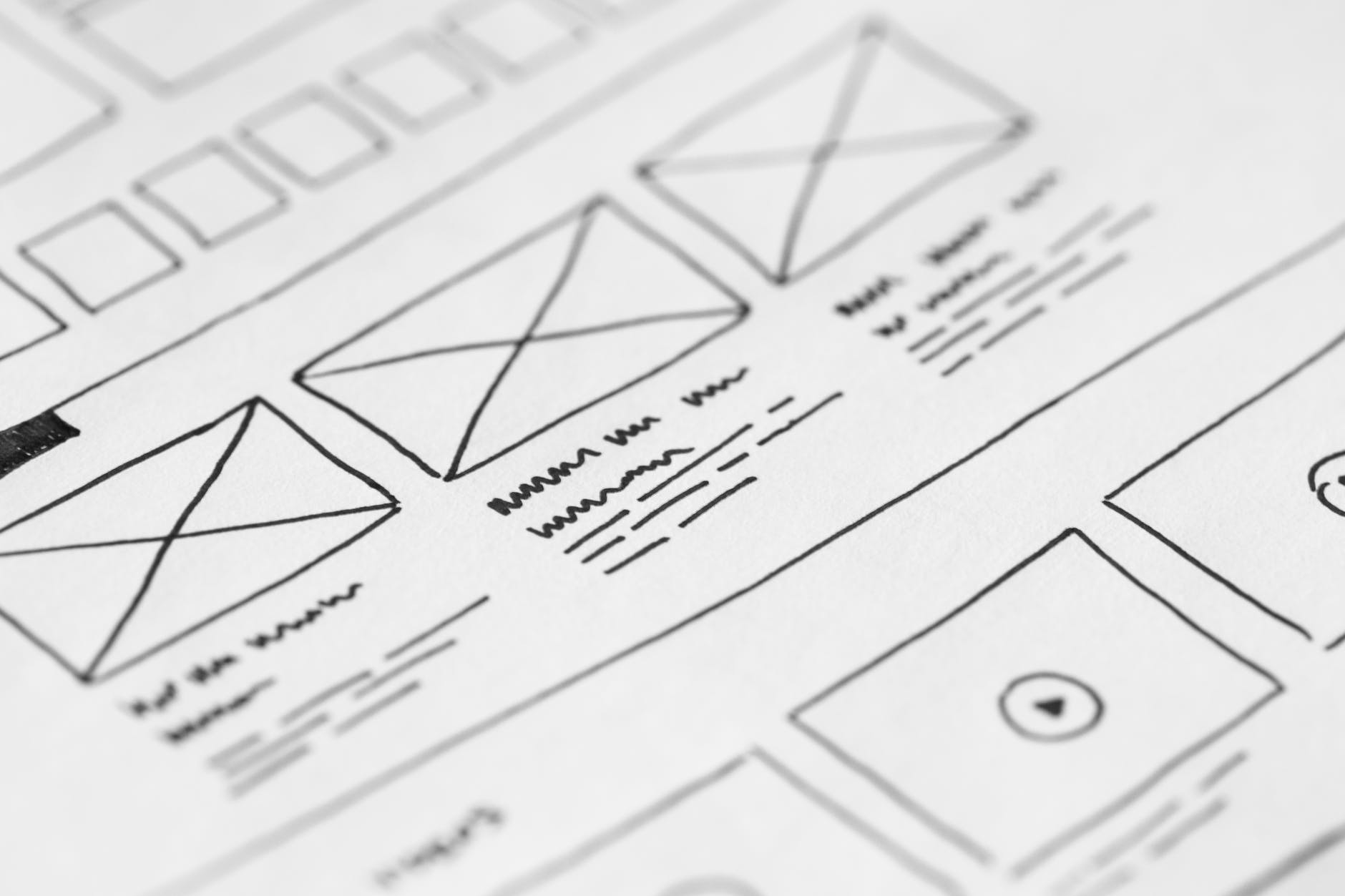
  • Prototype – to start creating solutions
  • Test – solutions

Empathize

You want to get an empathetic understanding of the issue you are trying to find a solution to. In order to achieve this is important to observe the user and know what it is they want and desire. Listening to them is like how a therapist listens to their clients in order to provide solutions to their problems. In this stage, you need to get as much information as you can from the user or audience. Knowing your audience is a must and knowing their likes and dislikes is also great.

Define

This is where you gather all the information you have gotten from your audiences and analyze the main issues/likes. We need to know everything people enjoy and dislike in order to fulfill their expectations. If we can obtain enough information, it will help the team be able to implement their ideas and possible functions for the product. Once we can define the things the audience didn’t like or want to see, we can come up with questions that can be answered.

Ideate

Here is where the team can start asking and generating ideas. Here is a space to think freely. So you can ask questions about the issues and possible functions of the product. You draw, write, and use sticky notes or photos to visually show your ideas. In this stage we need to bring out all solutions we have that can be used to solve the problem.

Prototype

Here is where you basically create the product but in a smaller version and less expensive. In this stage, we will implement the solutions. It’s basically a trial and error for the ideas we came up with in the early stages. This way when we use trial and error we figure out if the solutions we came up with will work, if they don’t we will revise or just reject it fully.

Test

This is where it gets intense because we need to test the best solutions again and again to see whether or not they hold up. During this stage, solutions are still being brought out in order to provide the best of the best. This stage is a bit hectic more than the other stage but it’s amazing to see all the work come to life. After testing is done you’re still finding better ways to enhance your product and see further into what people enjoy or don’t enjoy within the product.